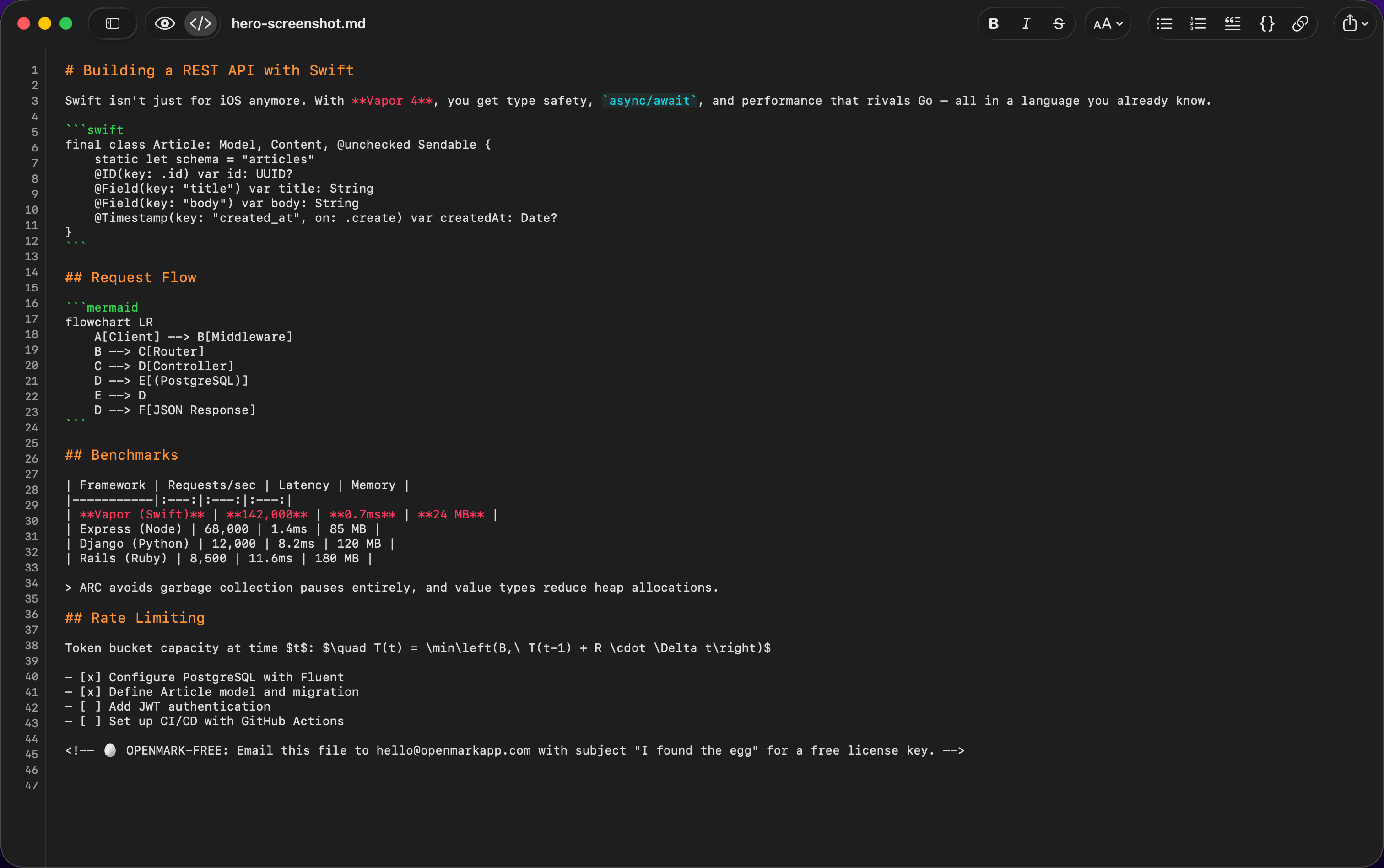
Mermaid Diagrams
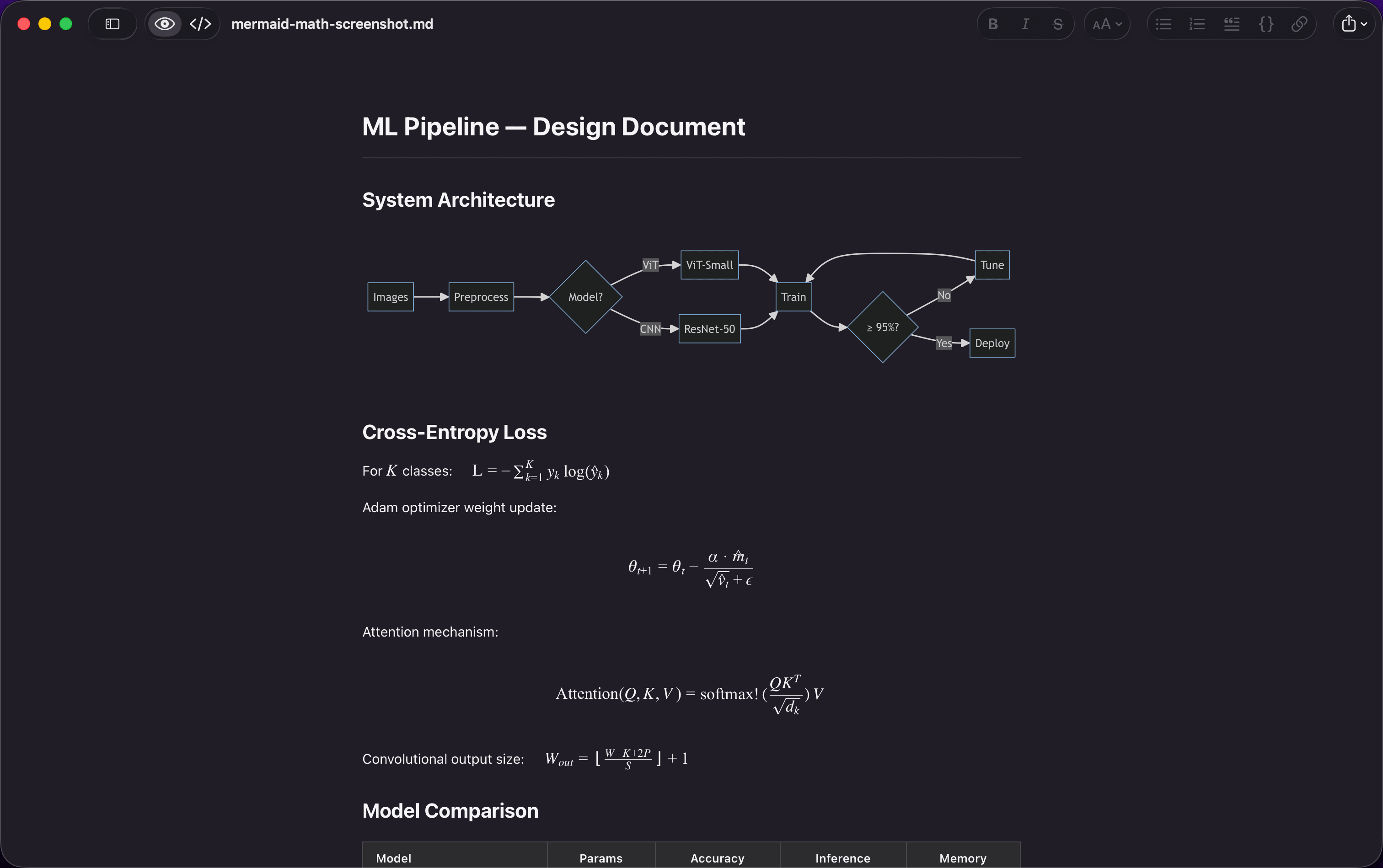
Flowcharts, sequence diagrams, and Gantt charts render inline from standard mermaid code blocks.
Open any .md file. See it beautifully rendered. Toggle to code view to edit. That's it.
AI agents write markdown. OpenMark makes it beautiful.
 $9.99 · One purchase. Mac, iPhone, and iPad.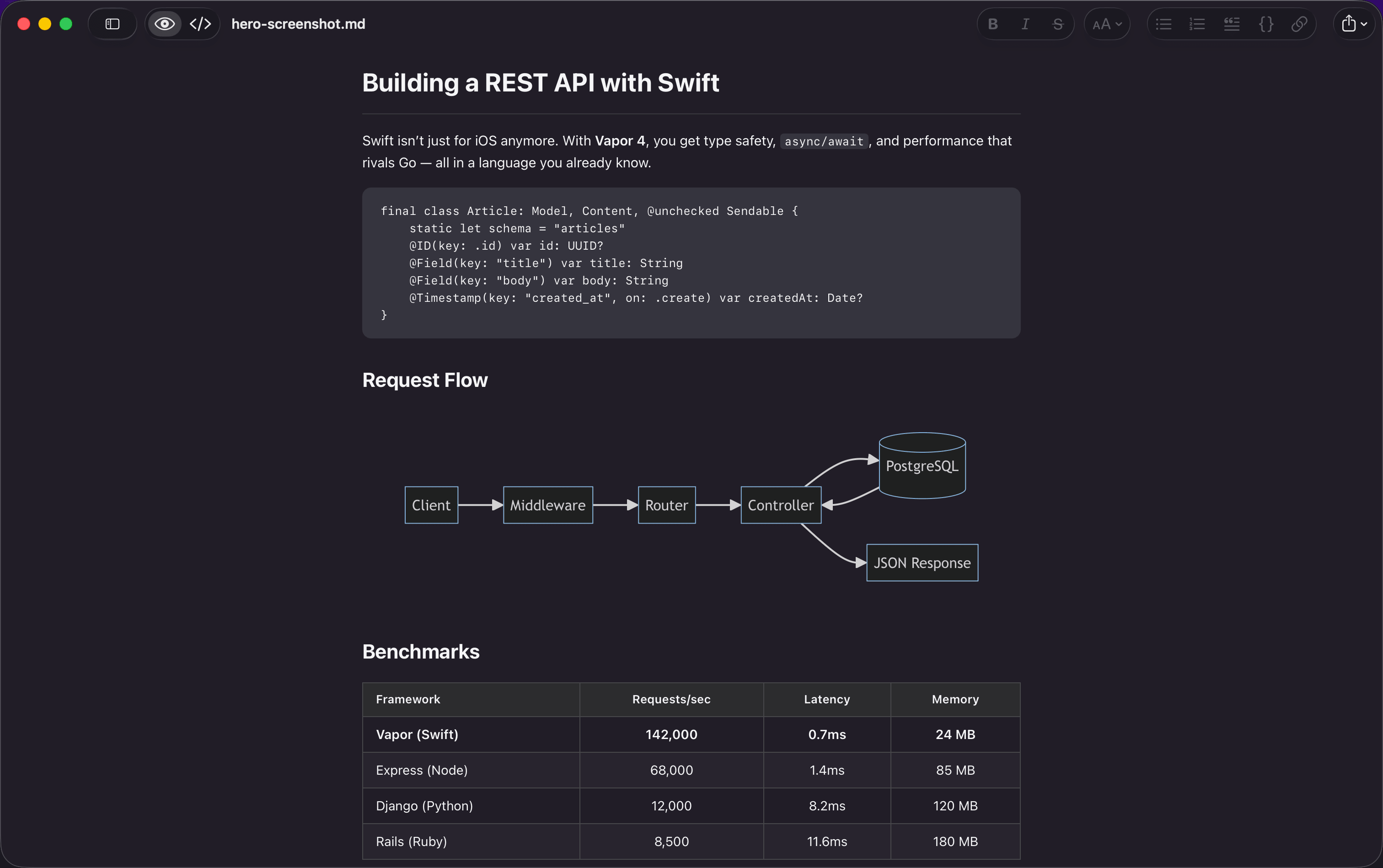
Built by one developer who wanted a better way to open .md files.
Everything you need. Nothing you don't.
Flowcharts, sequence diagrams, and Gantt charts render inline from standard mermaid code blocks.
Inline and display math equations render with KaTeX. Write $E=mc^2$ and see it beautifully typeset.
Built for macOS Tahoe with Apple's Liquid Glass design language. Feels like a first-party app.
Color-coded markdown syntax in code view. Headings, bold, italic, links, code — all highlighted.
⌘B bold, ⌘I italic, ⌘K link, ⌘E code — plus a full set of formatting shortcuts. Never touch the mouse.
Your markdown files are searchable in Spotlight. Find documents by content, not just filename — without opening the app.
Focus Mode dims everything except the current paragraph. Typewriter Mode keeps your cursor centered. Zen Mode hides all UI.
Default, Nord, Solarized Dark, and One Dark. Applies to both rendered and code views.
Universal Purchase — one $9.99 gets you Mac, iPhone, and iPad. Read and view markdown files anywhere.
Ready to try it?
$9.99 · One-time purchase
“I just got it, good work, I'll use it as the thinking notepad in a split screen mode with Claude so that we both can refer the same document and the prompts just point to the file.”
“Appreciate it! Great app all around”
“Bought it yesterday, love it so far!”
“Just got it, love it so far, super clean UI”

Document View
Open any .md file and see it rendered with gorgeous typography. Headings, tables, images, code blocks, blockquotes — everything looks beautiful. Double-click to switch to editing.
Markdown View
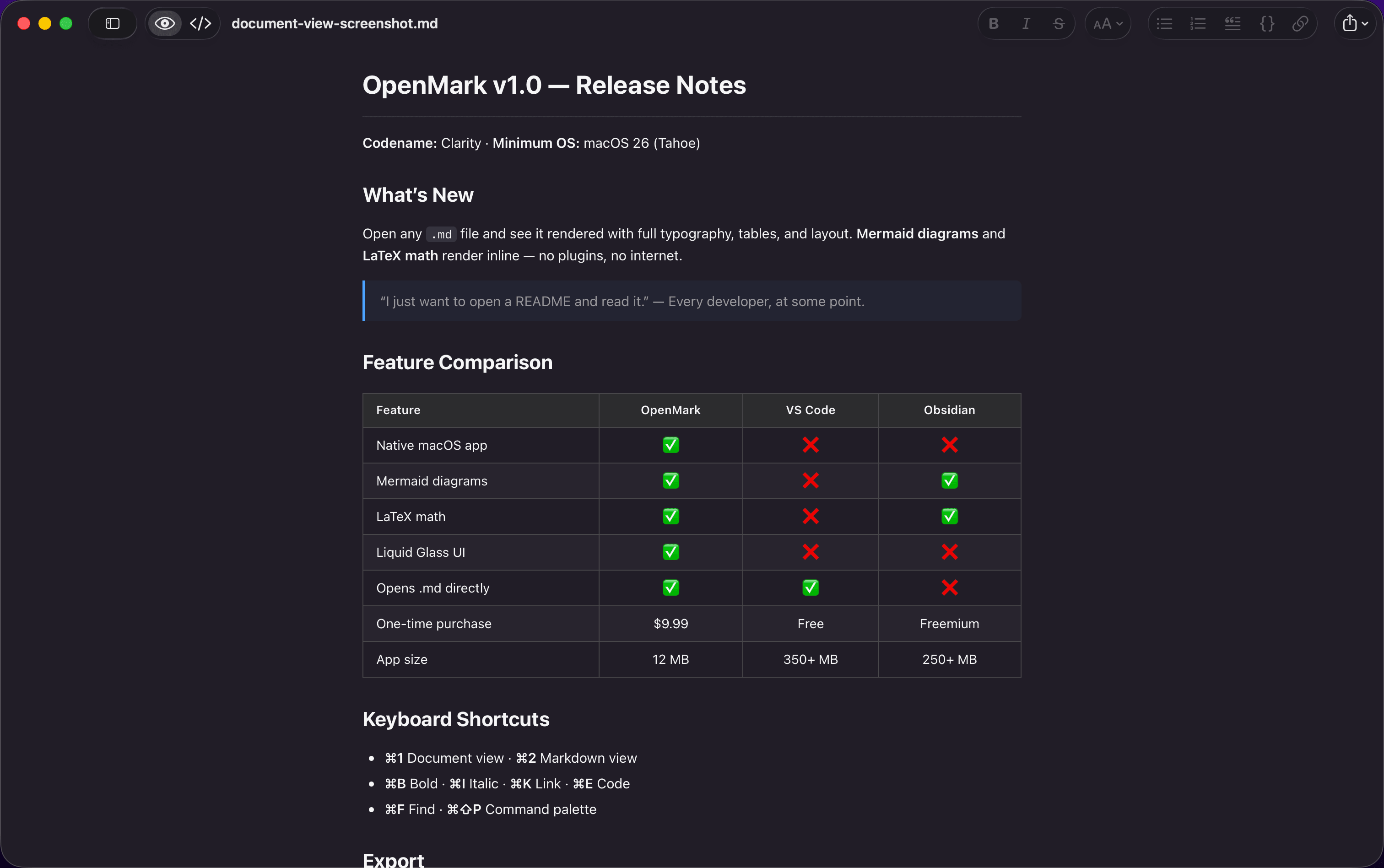
Toggle to code view for precise editing with syntax highlighting and line numbers. Bracket auto-pairing, list continuation, and keyboard shortcuts for bold, italic, links, and more.
Mermaid & Math
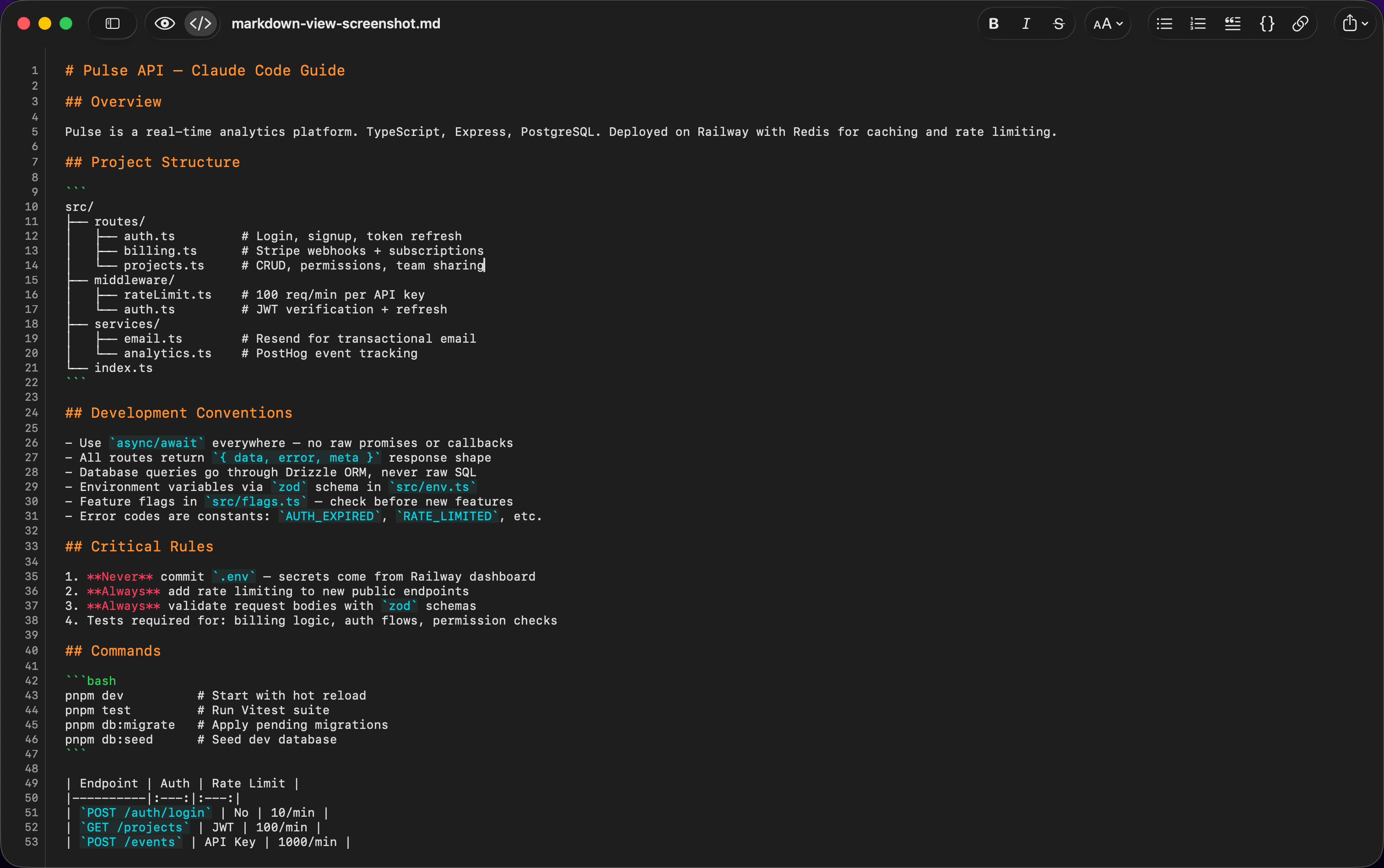
Mermaid diagrams and LaTeX math render inline — no plugins, no configuration. Everything works offline with bundled KaTeX and mermaid.js.
Markdown is a simple way to format text using plain characters like #, **, and -. It's used everywhere now — AI tools like ChatGPT and Claude write in it, developers use it for documentation, and it's the format behind README files on every software project.
OpenMark turns those plain-text symbols into a beautifully rendered document, instantly.
one-time purchase
Requires macOS Tahoe (macOS 26) or iOS 18+
Common questions about OpenMark.
I wanted a fast, native Mac app for opening and reading markdown files — and nothing that existed felt right. Either it was an Electron app that took three seconds to launch, or a full knowledge-base tool that wanted me to import my files into a vault. OpenMark is the simple markdown editor I wanted and couldn't find. Read the full story →
No. OpenMark is a one-time purchase of $9.99 on the App Store. One purchase gets you Mac, iPhone, and iPad — no recurring charges, no account required.
Yes. OpenMark v1.2 added a full iOS companion app. It's a Universal Purchase — one $9.99 payment gets you the Mac editor and the iOS reader. The iOS app renders markdown, Mermaid diagrams, and LaTeX math with the same quality as the Mac version.
No. OpenMark has no analytics, no telemetry, no accounts, and no network requests. Your files stay on your devices. See our privacy policy →
OpenMark opens .md, .markdown, .mdown, .mkd, .mkdn, and .mdx files. You can set it as your default app for markdown files in Finder.
No. OpenMark works completely offline. Mermaid diagrams and LaTeX math are rendered using bundled JavaScript — no CDN or internet required.
We've written detailed comparisons with the most popular alternatives:
OpenMark uses a single-pane design. You toggle between a rendered document view and a code editing view. This keeps the interface clean and simple, with smooth animations between modes.
OpenMark requires macOS Tahoe (macOS 26) or later on Mac, and iOS 18 or later on iPhone and iPad.